SEO-Driven
New Customer Acquisition
Led Design
December 1, 2024
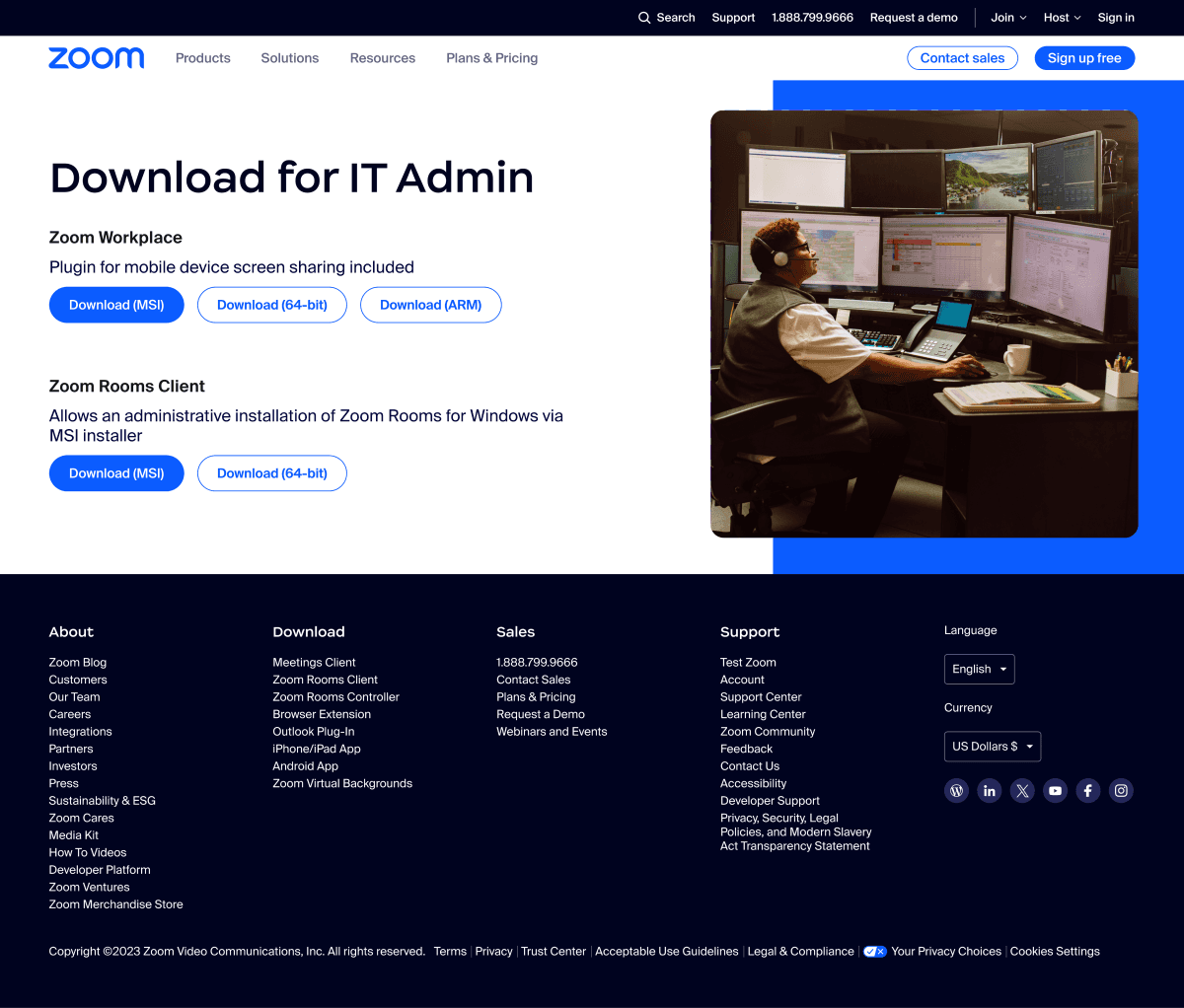
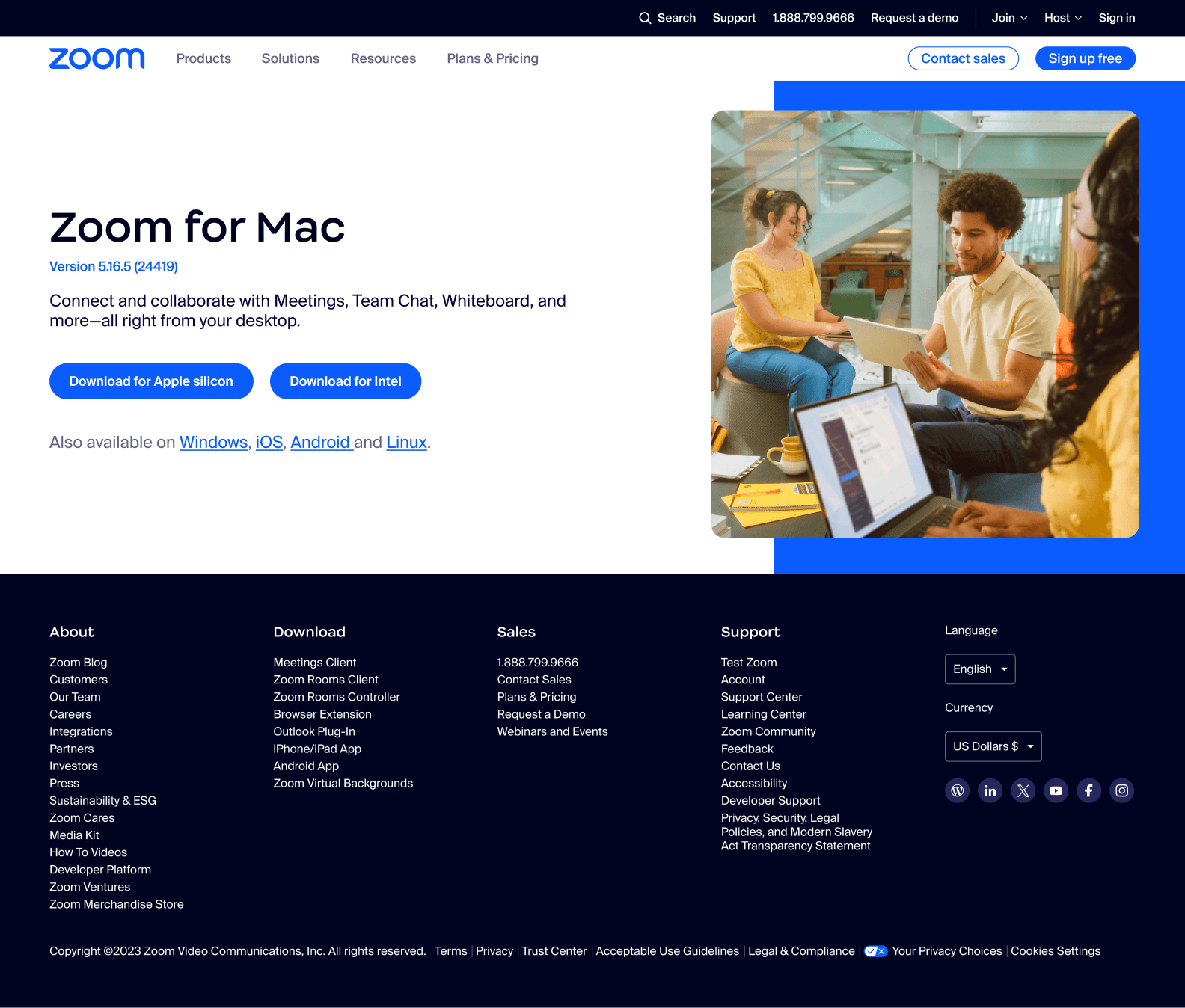
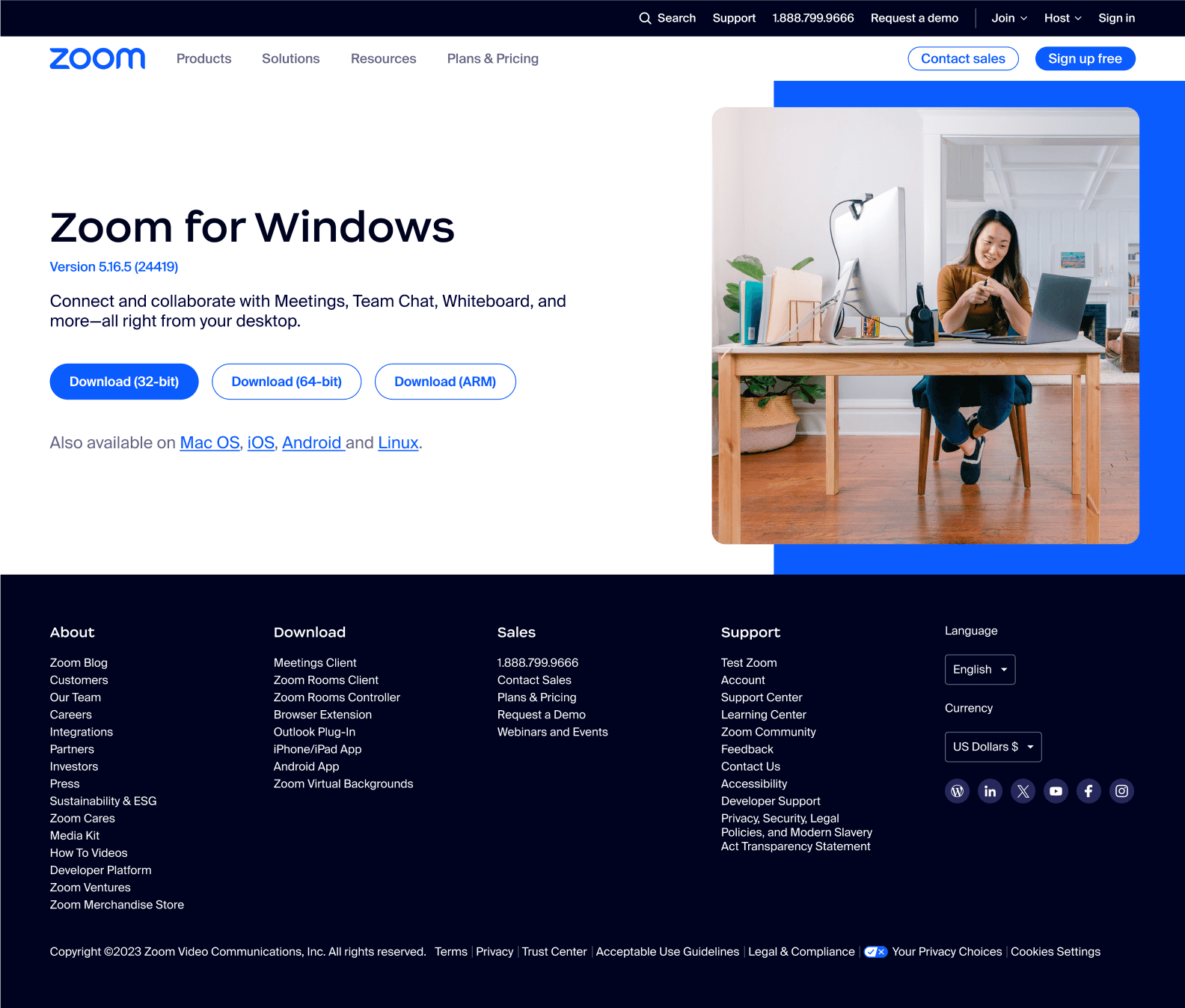
Redesign of the Zoom Download Page
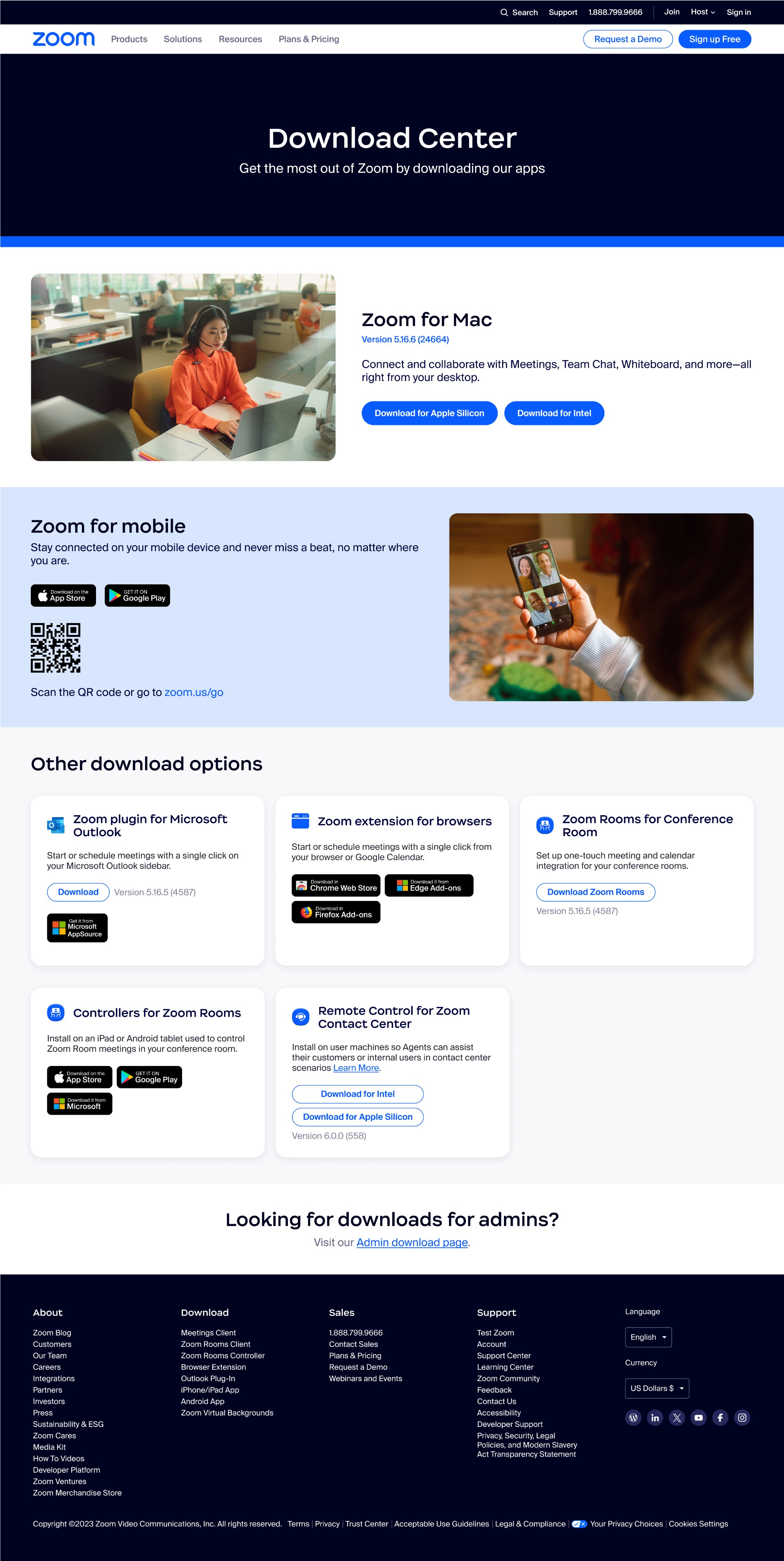
To boost customer acquisition and retention
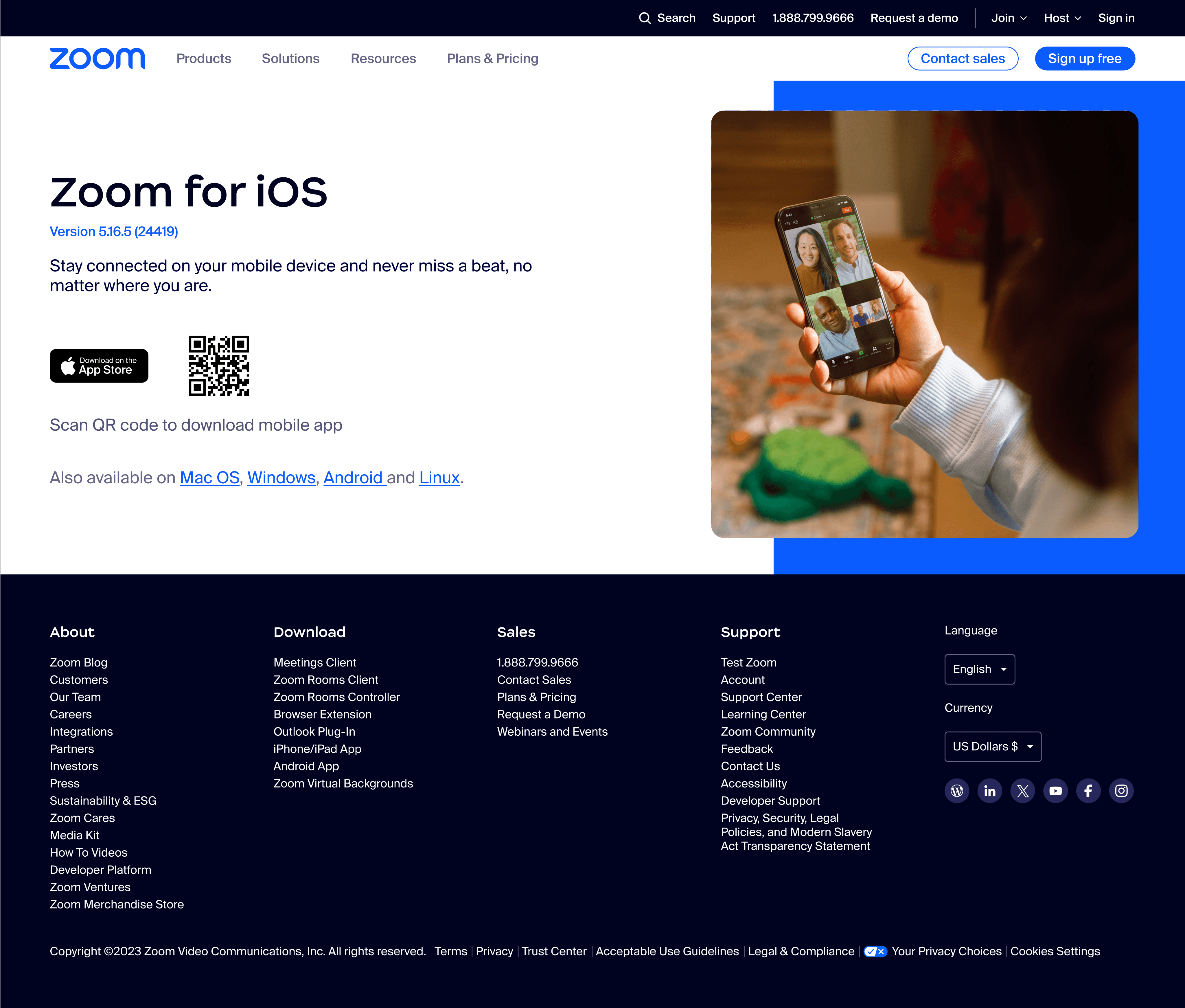
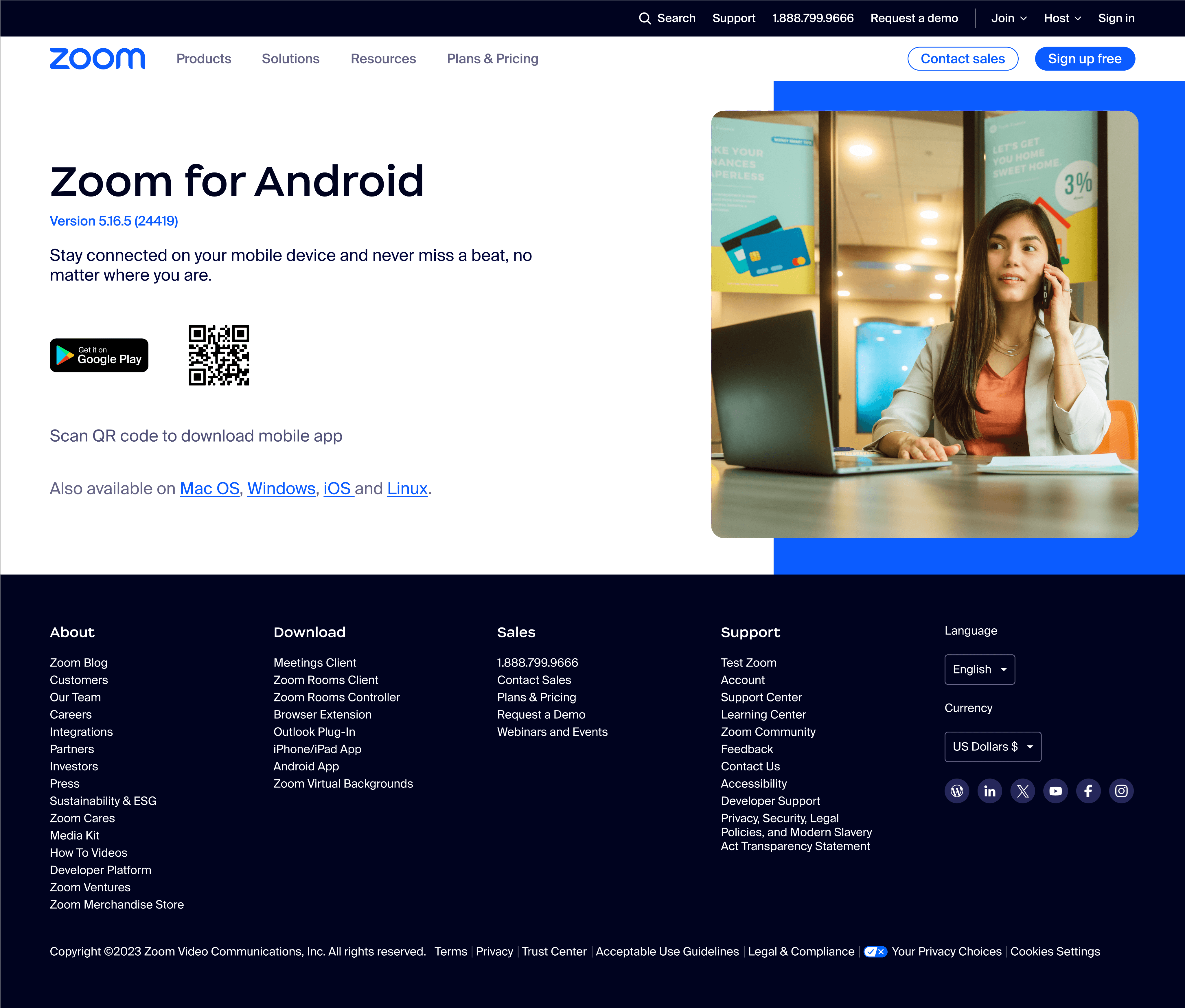
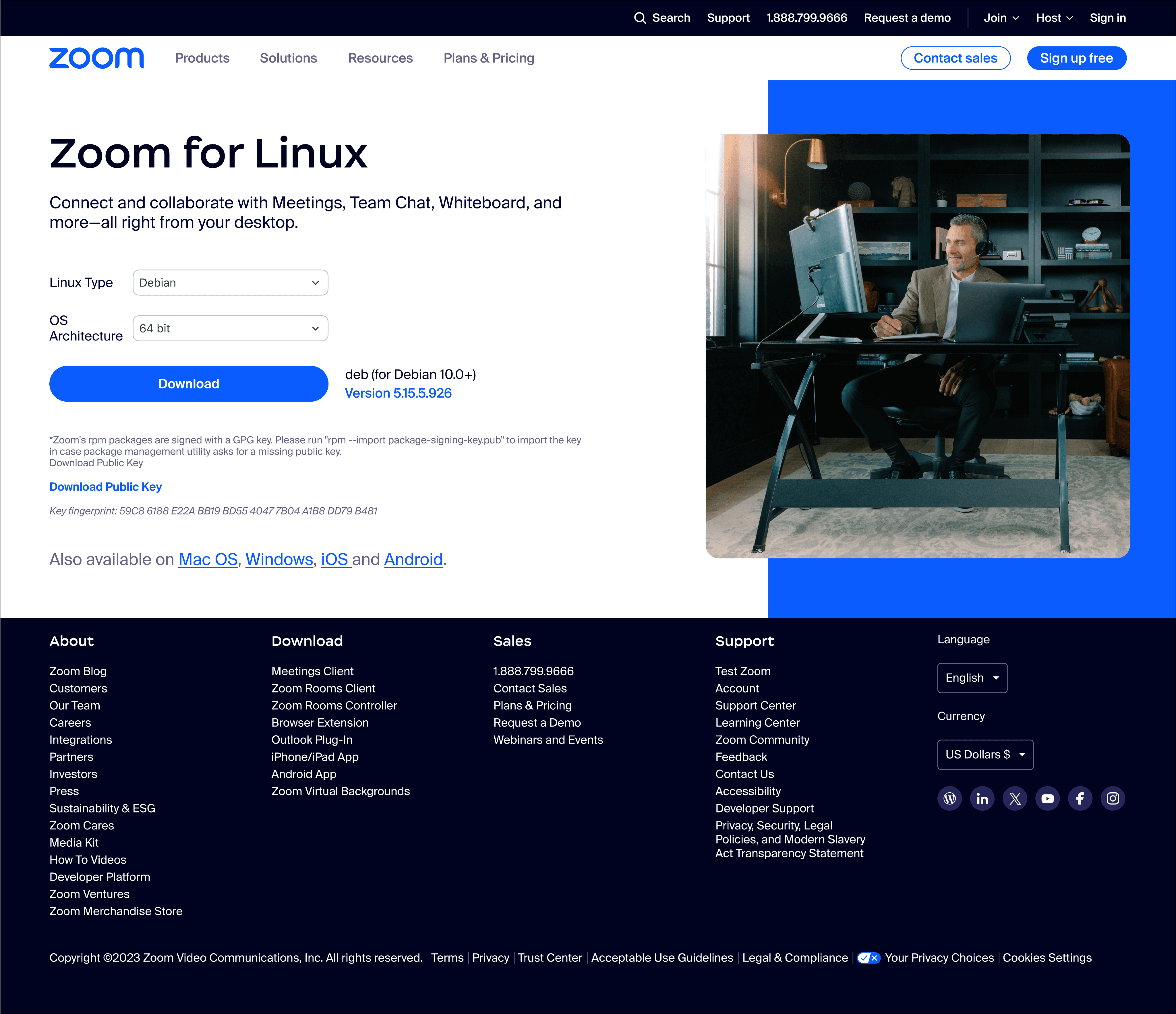
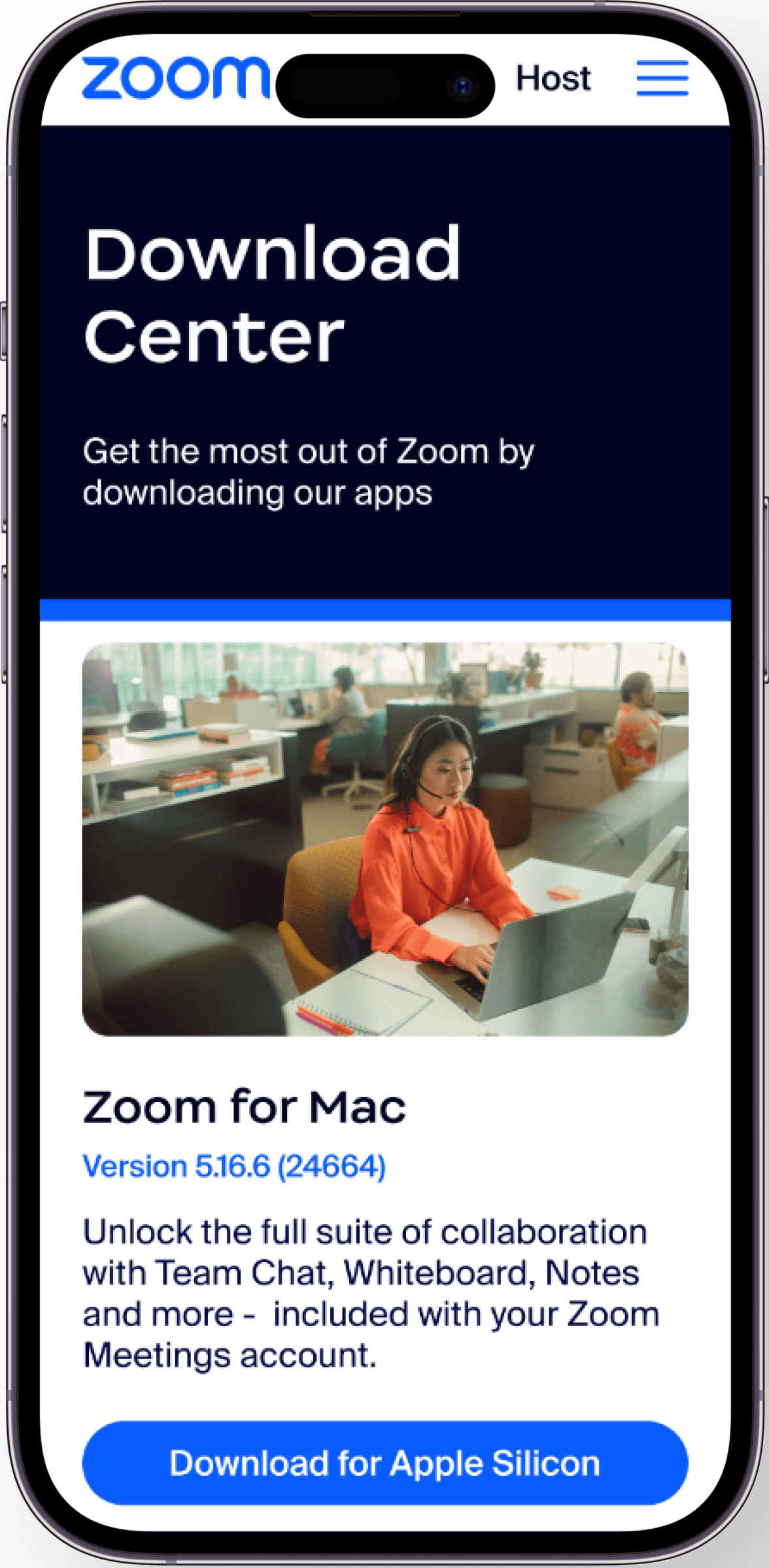
SEO-Driven
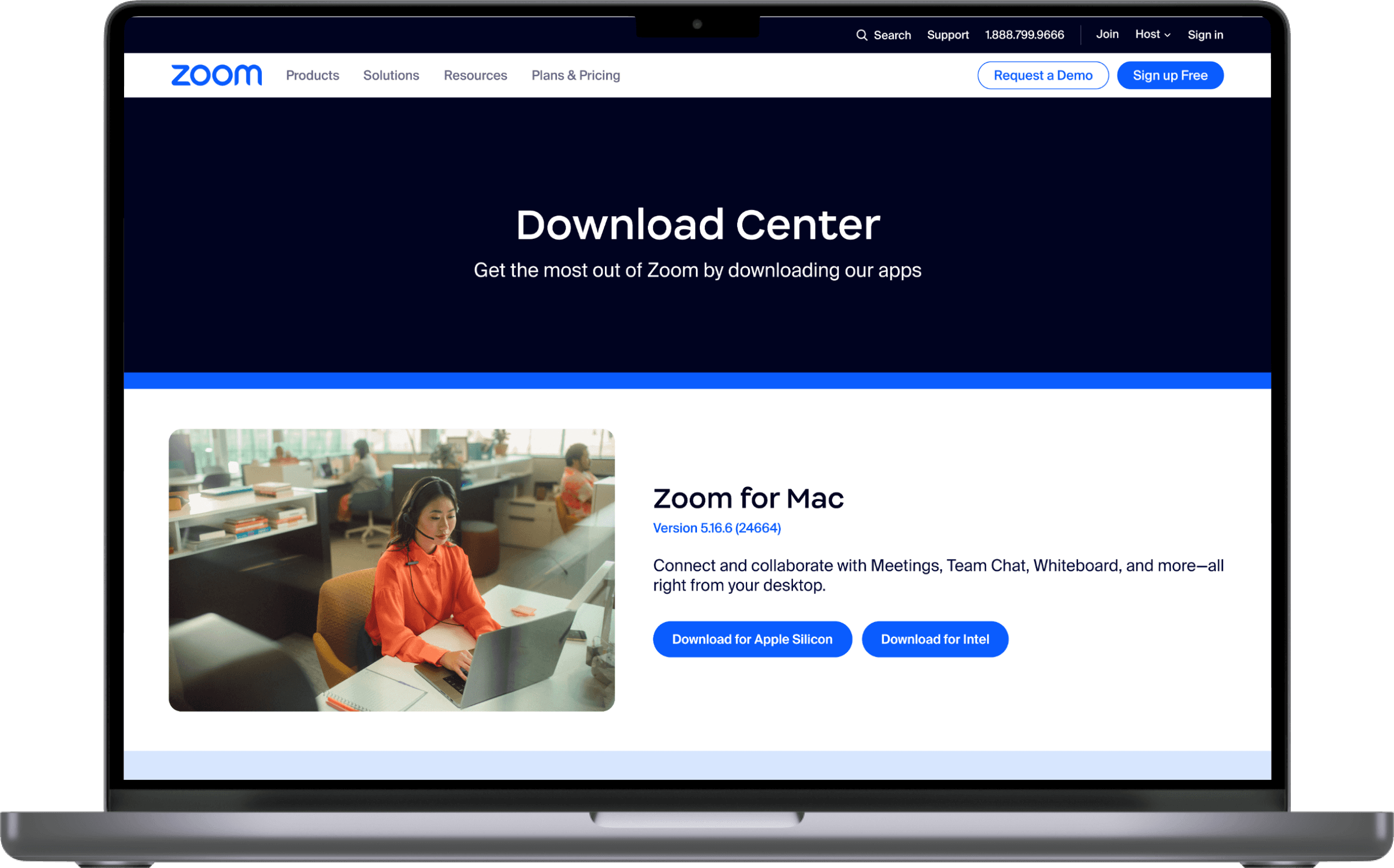
Redesign of the Zoom Download Page to Boost Customer Acquisition and Retention
Starting point: Auditing the search experience
Growth Loop: Search - Download - Product Engagement
Customer Feedback
“Unable to quickly locate the required download item”
“High effort to search, with some plugins mixed in with the main client”
New users, especially those unfamiliar with Zoom or uncertain of the exact plugin name, were more likely to get lost in the process.
User Testing
To validate this, we conducted a usability test with 5 participants. The task was to locate a randomly assigned installer or plugin within the legacy Zoom Download Center.
Findings
The results were telling: 92.3% of participants (4 out of 5) failed to complete the task within 5 minutes, or expressed uncertainty such as “not sure if I found the right version.”
Most users exhibited frequent scrolling and backtracking behaviors—clear signs of confusion and lack of confidence.
Dive into previous design
The legacy page relied on a linear, non-hierarchical information layout, forcing users to scan through content item by item to locate the resource they needed.Most users exhibited frequent scrolling and backtracking behaviors—clear signs of confusion and lack of confidence.
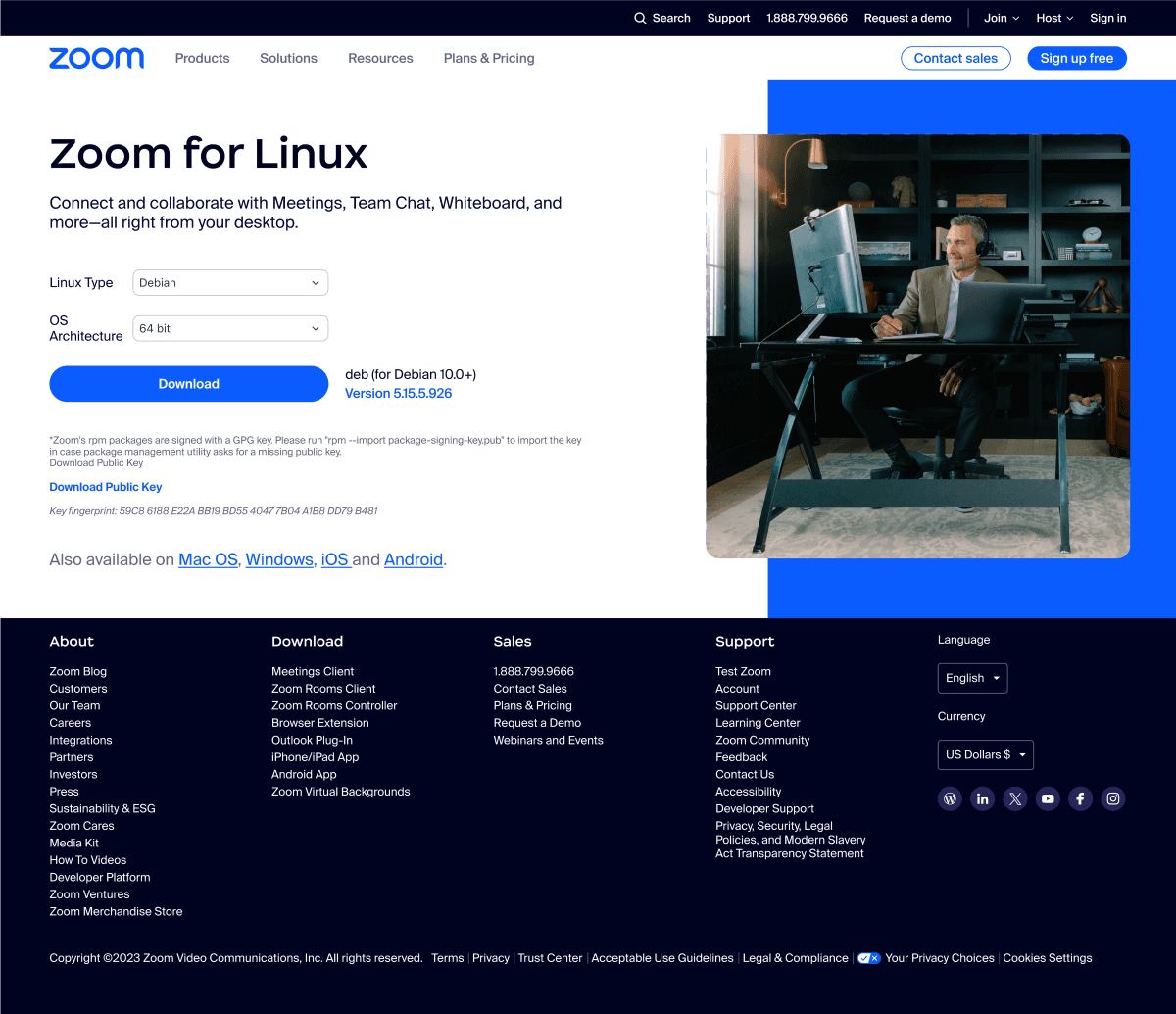
Over time, the Download Center played a purely functional “handover” role, but failed to unlock its potential as an SEO-driven acquisition channel. It lacked structural optimization and growth-oriented strategy support.
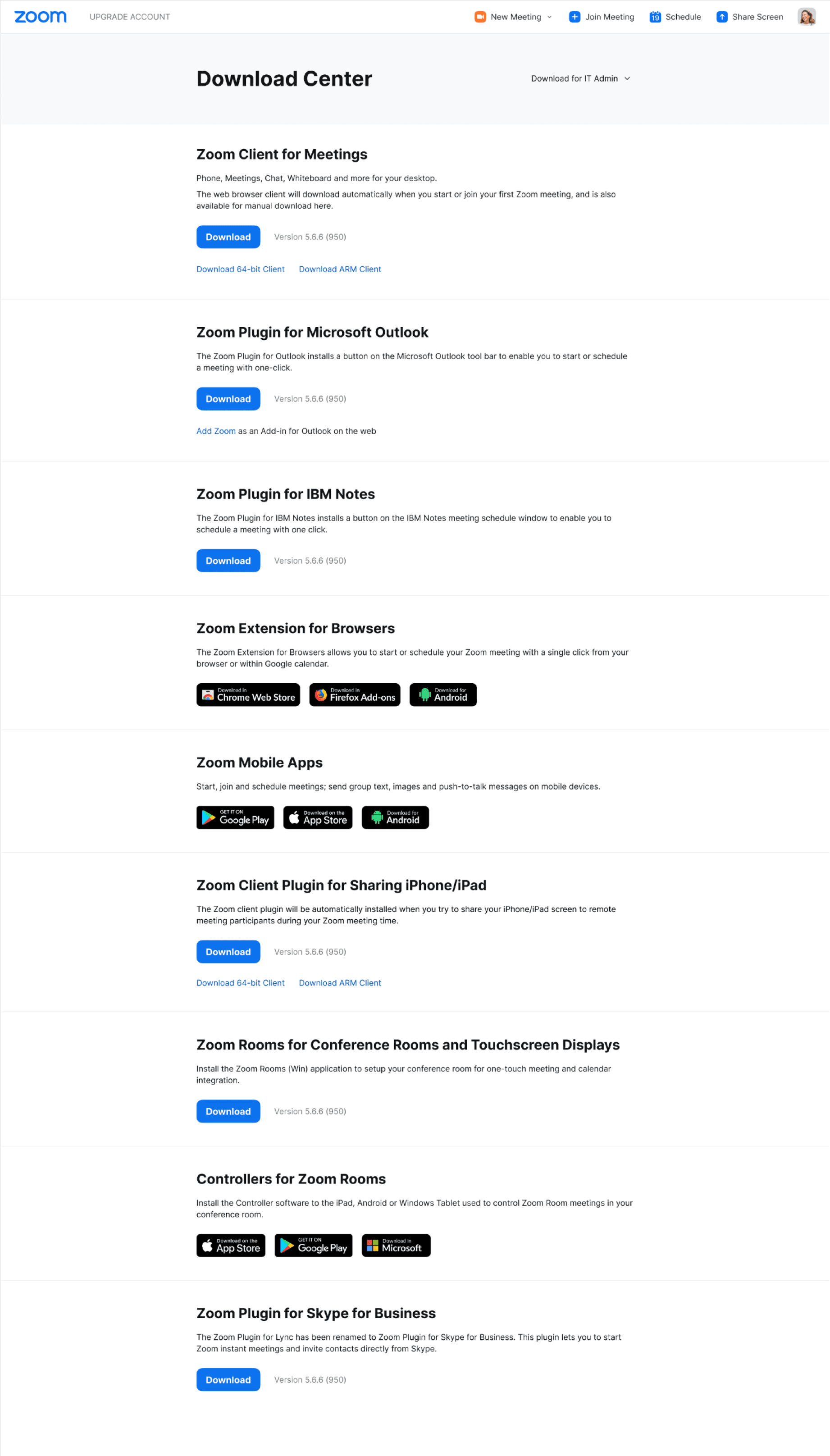
Despite being a function-heavy page, it offered no clear navigation, filtering, or grouping logic, which severely undermined the efficiency for high-intent users and weakened both page performance and trust.
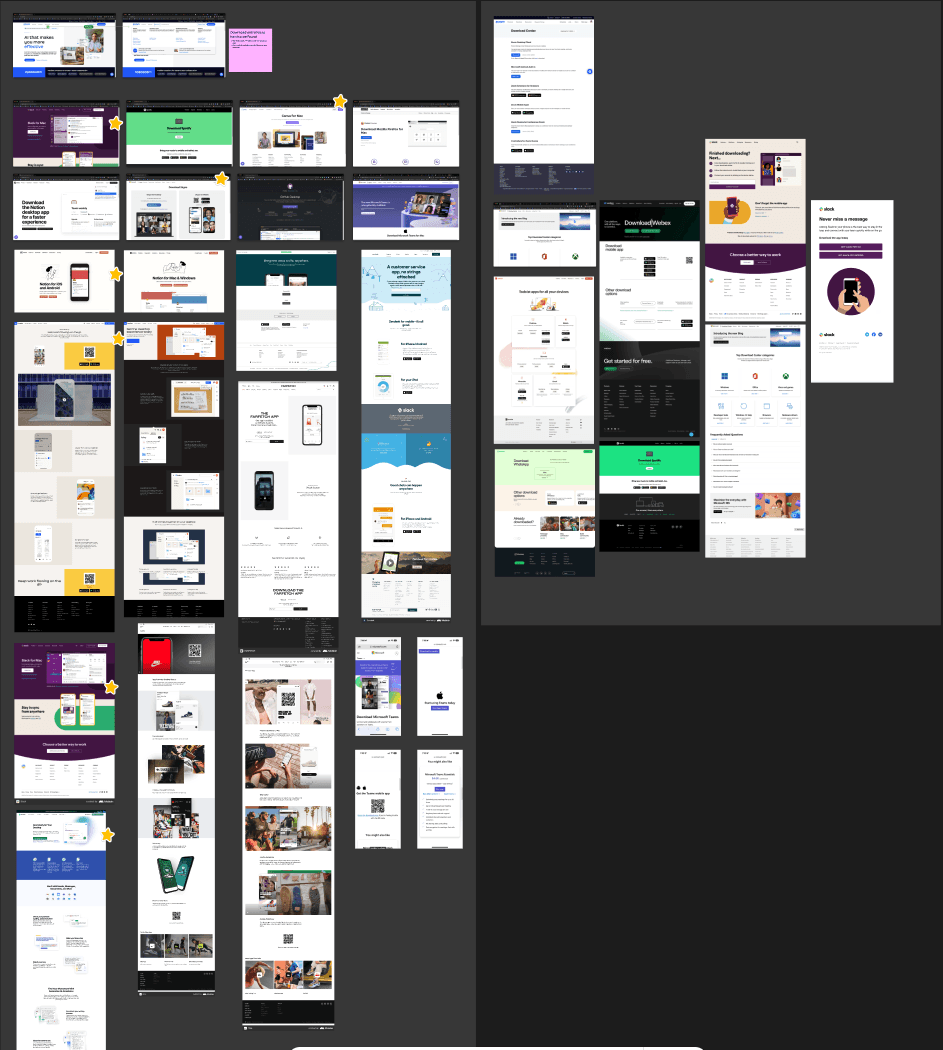
Competitive research of Download Center
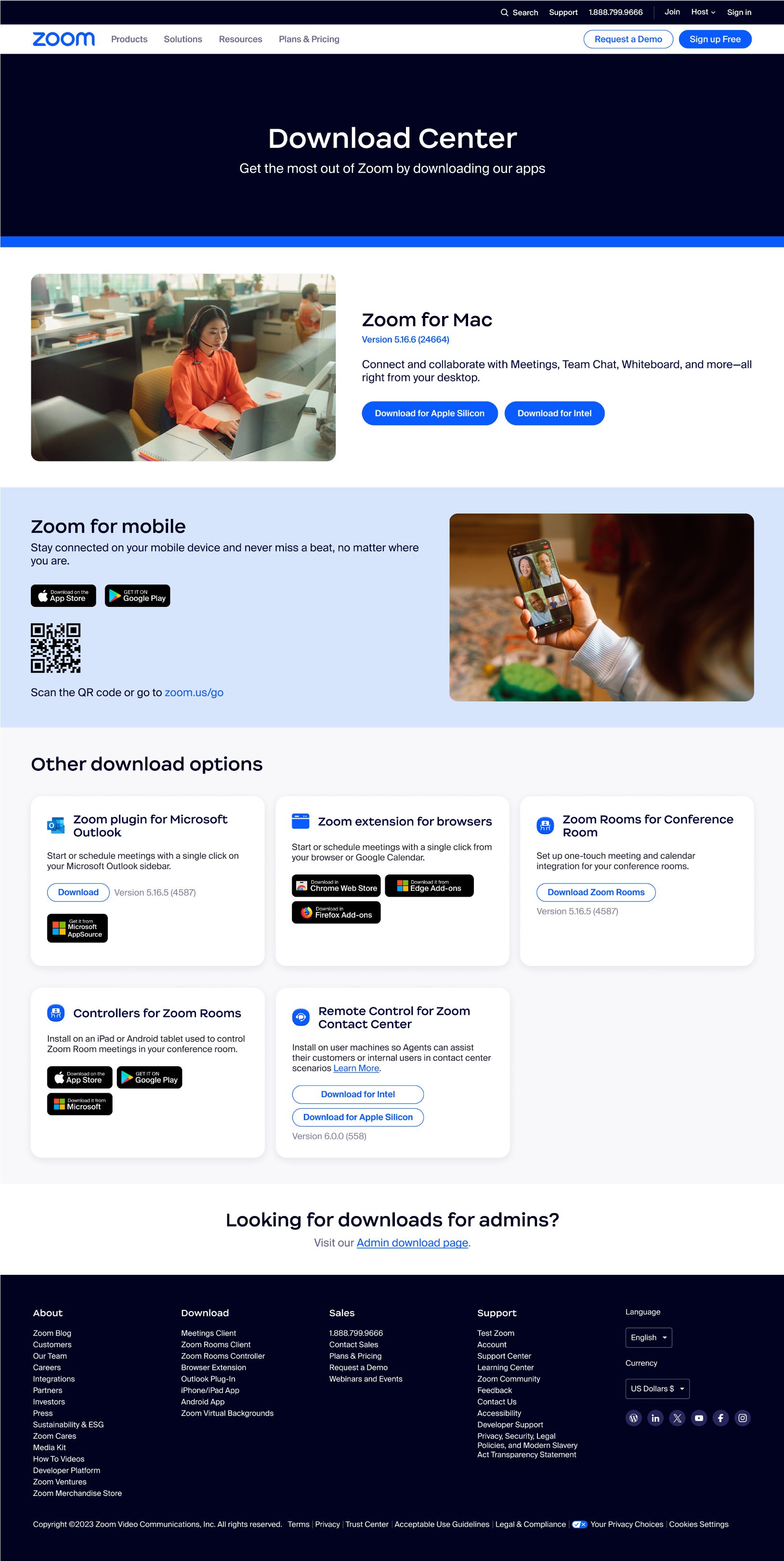
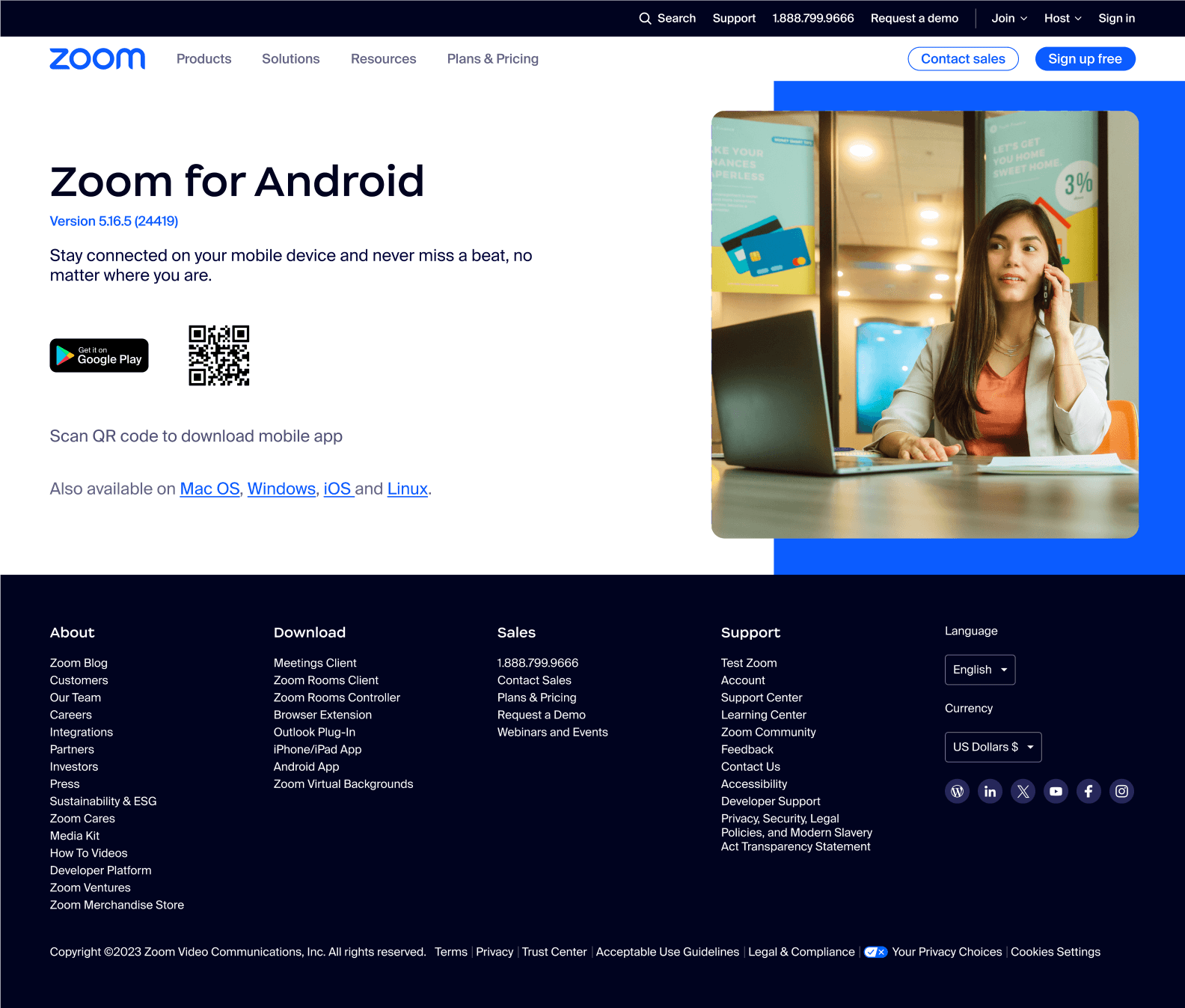
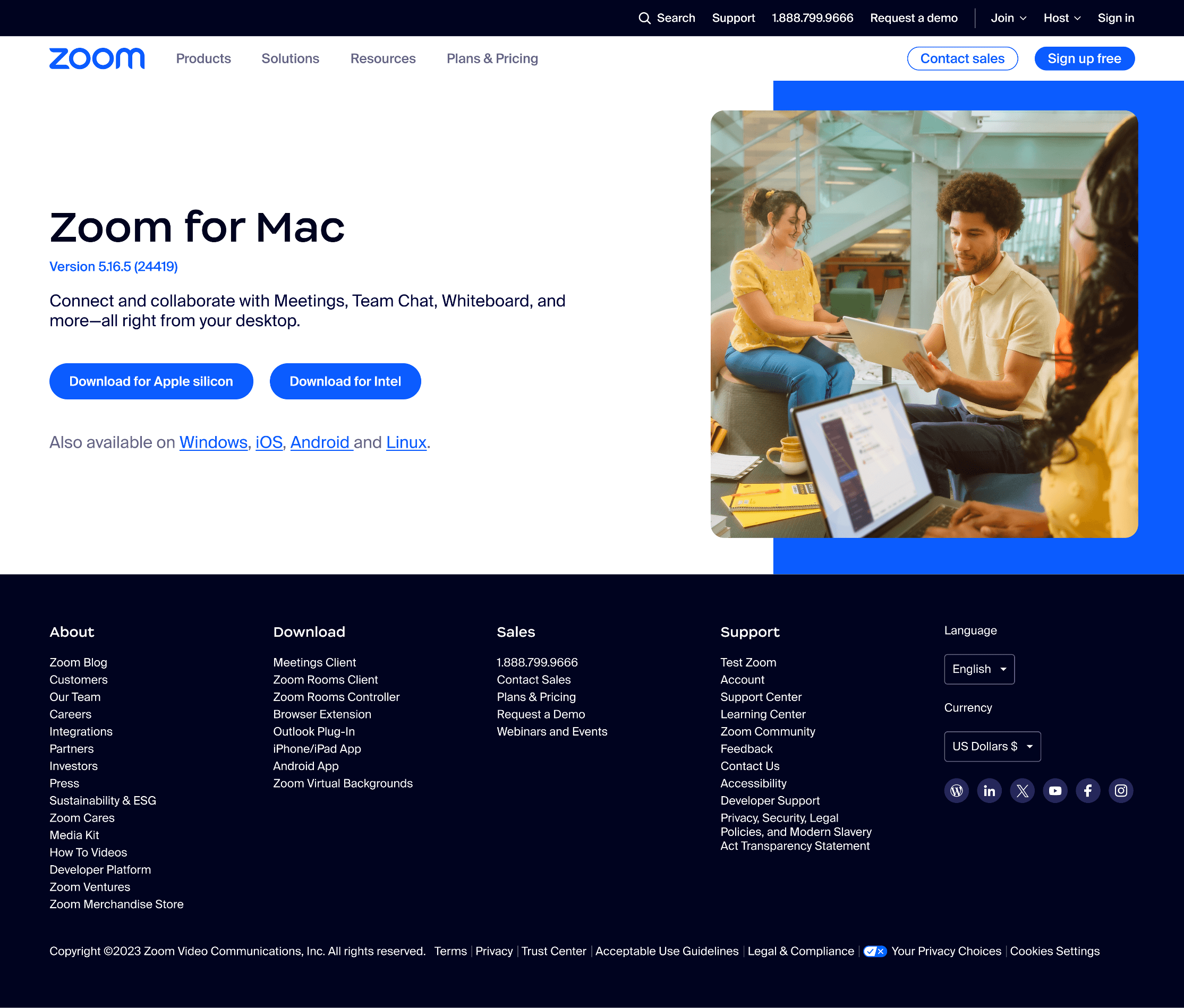
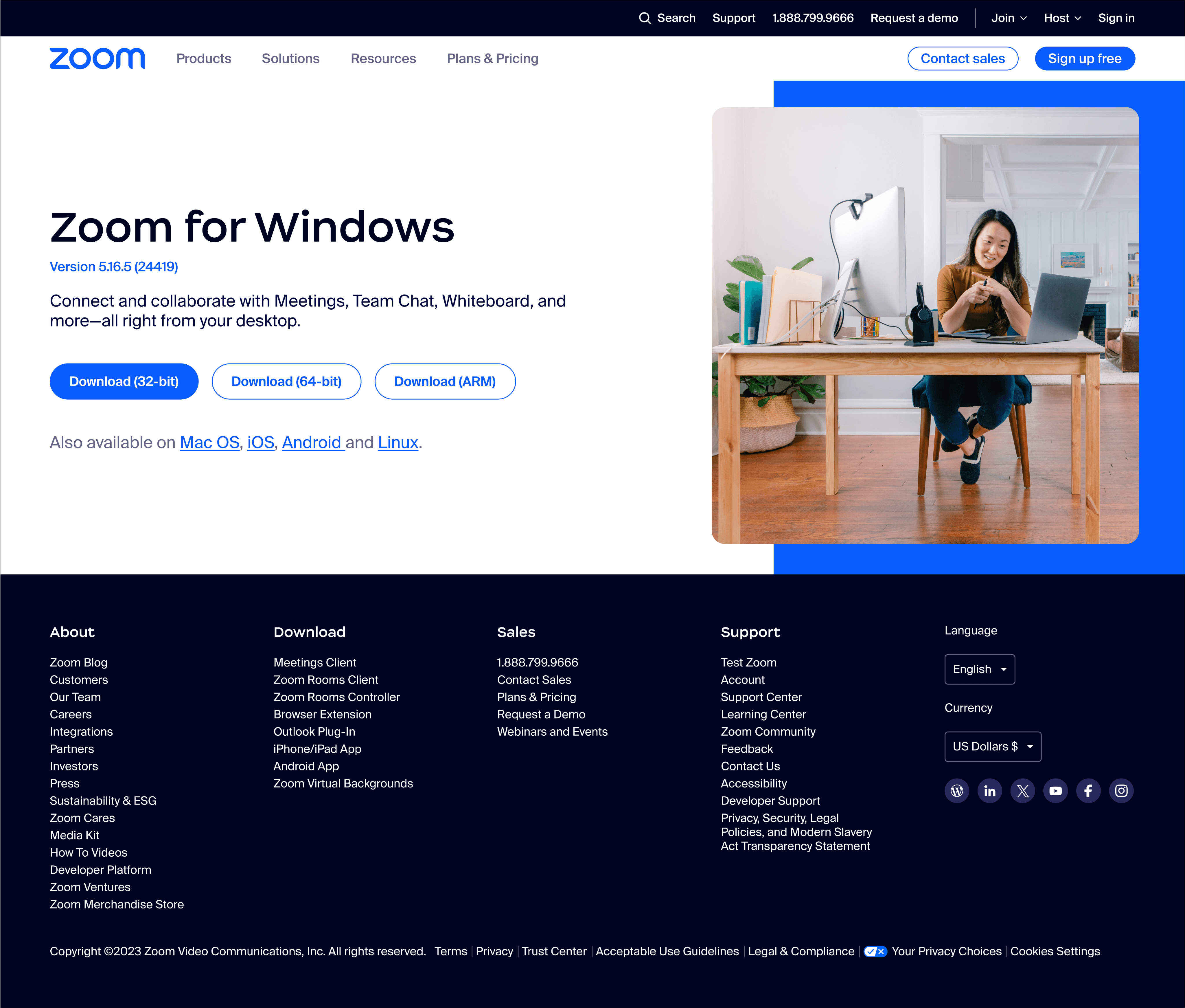
Show installation package for current device first → reduce cognitive load
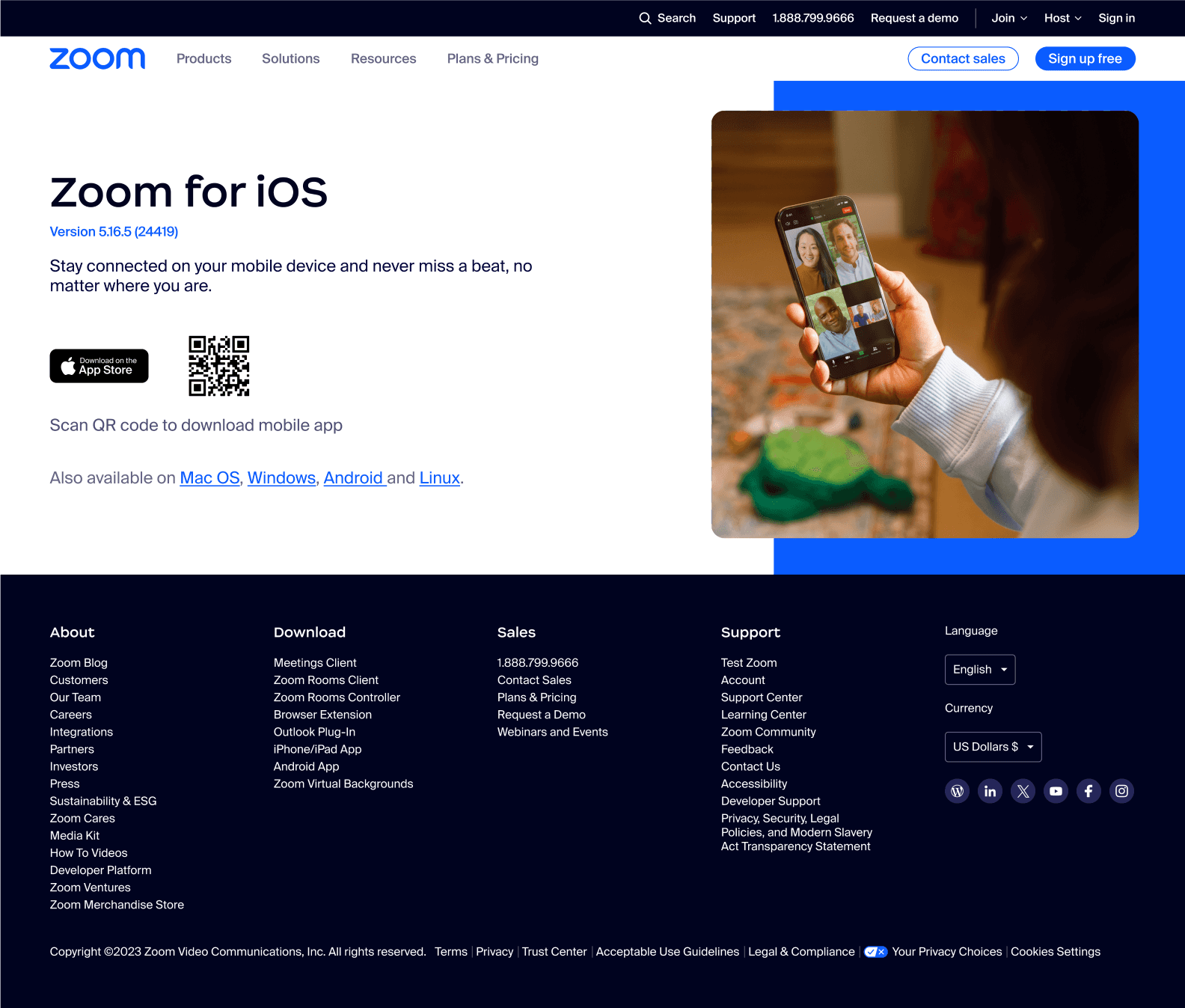
Provide QR codes for mobile download → cover all scenarios
Group plugins & browser extensions under secondary hierarchy → clearer info gradient
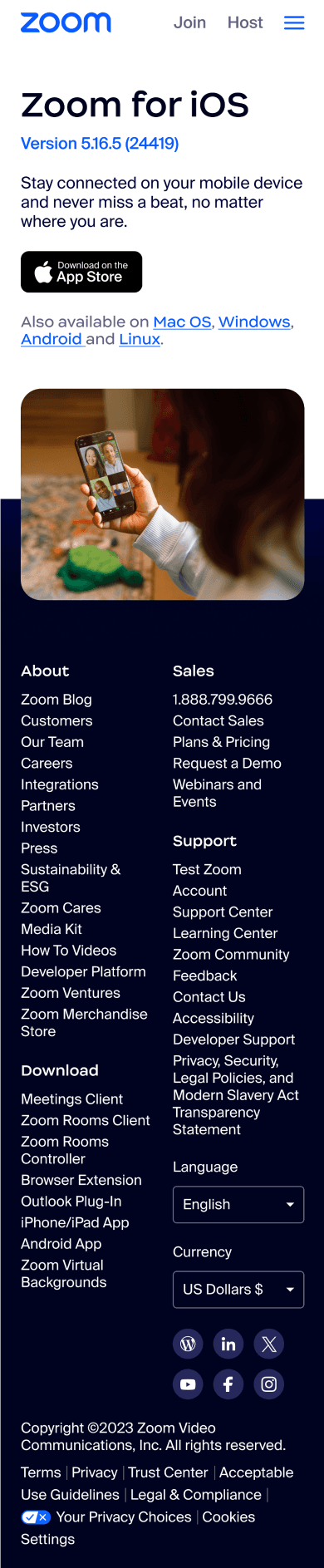
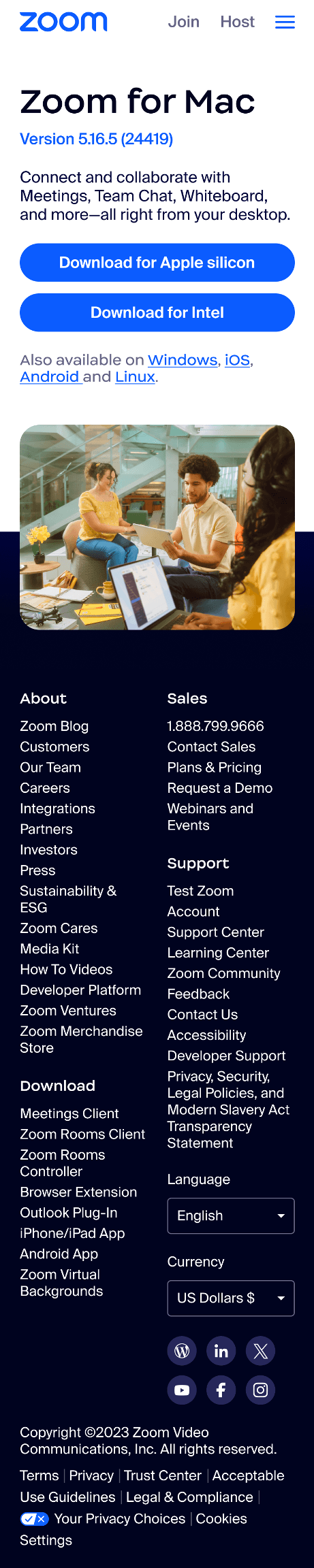
Responsive design → full mobile experience
Lower bounce rate & improve SEO traffic
Increase first-visit conversion (download / activation)
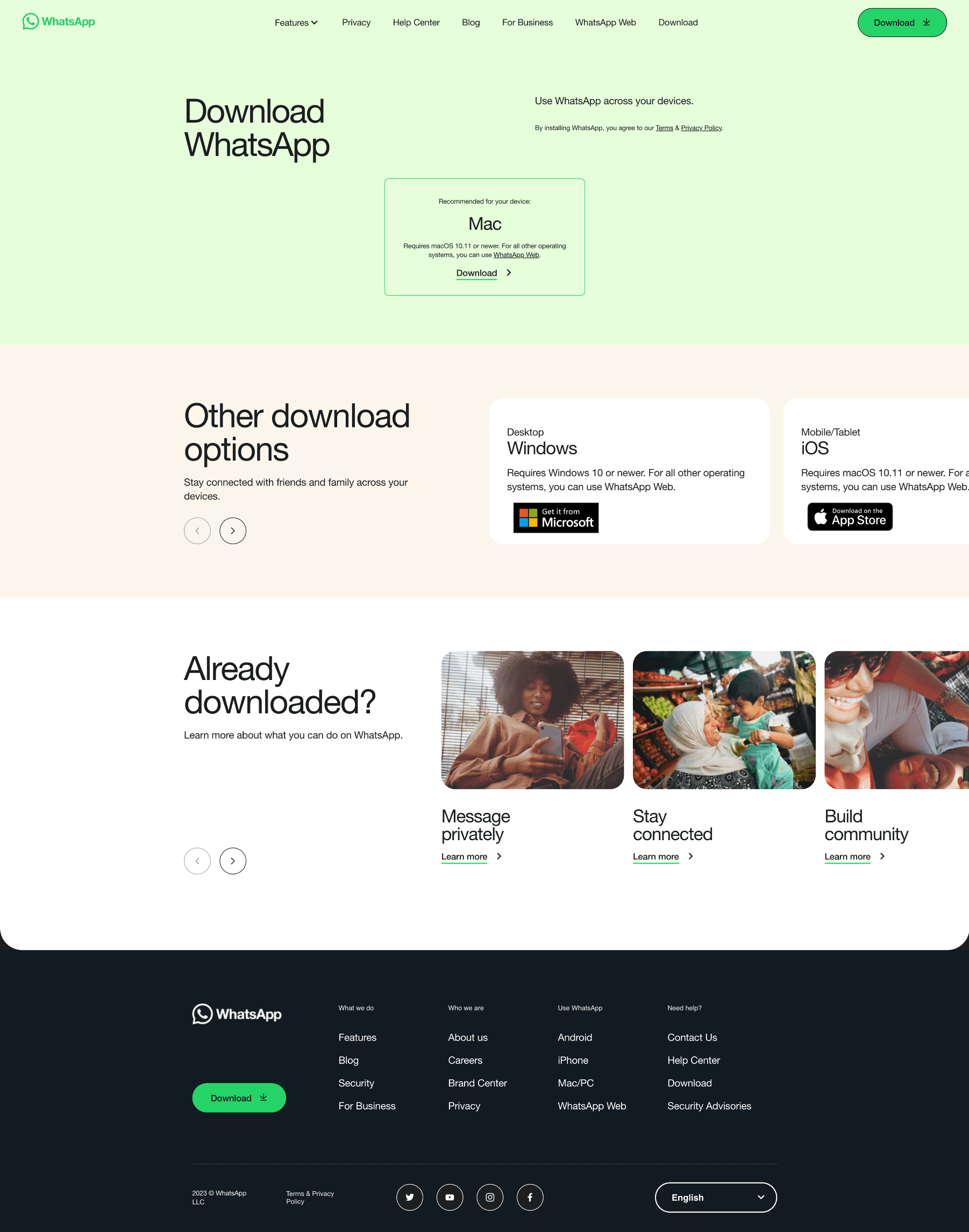
Delivery & Verify design
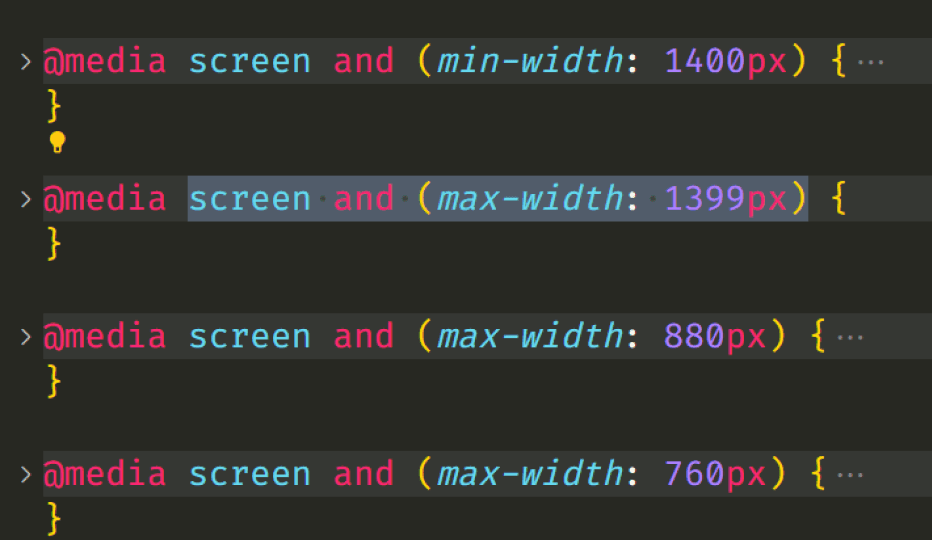
Card layout redesigned with min–max width + media queries → consistent structure & readability across devices
Other download options
Nav
Title & mobile & desktop
Keep the same ratio until the screen reaches 880 px.
Responsive
Responsive
Match the width of “Other download options” cards
@ width ≥ 1440
width < @ 1440
Gradually reduce the number of cards
Min - Max (card width)
12 columns, Margin scales
Responsive (has min - max)
Other download options
Other download options
Other download options
Zoom Plugin for Microsoft Outlook
The Zoom add-in for Outlook on the web installs on the Microsoft Outlook side bar to enable you to start or schedule a meeting with one-click.
Add Zoom add-in
Zoom Plugin for Microsoft Outlook
The Zoom add-in for Outlook on the web installs on the Microsoft Outlook side bar to enable you to start or schedule a meeting with one-click.
Add Zoom add-in